DigiOverlay
A downloadable tool for Windows and Linux
Hi!
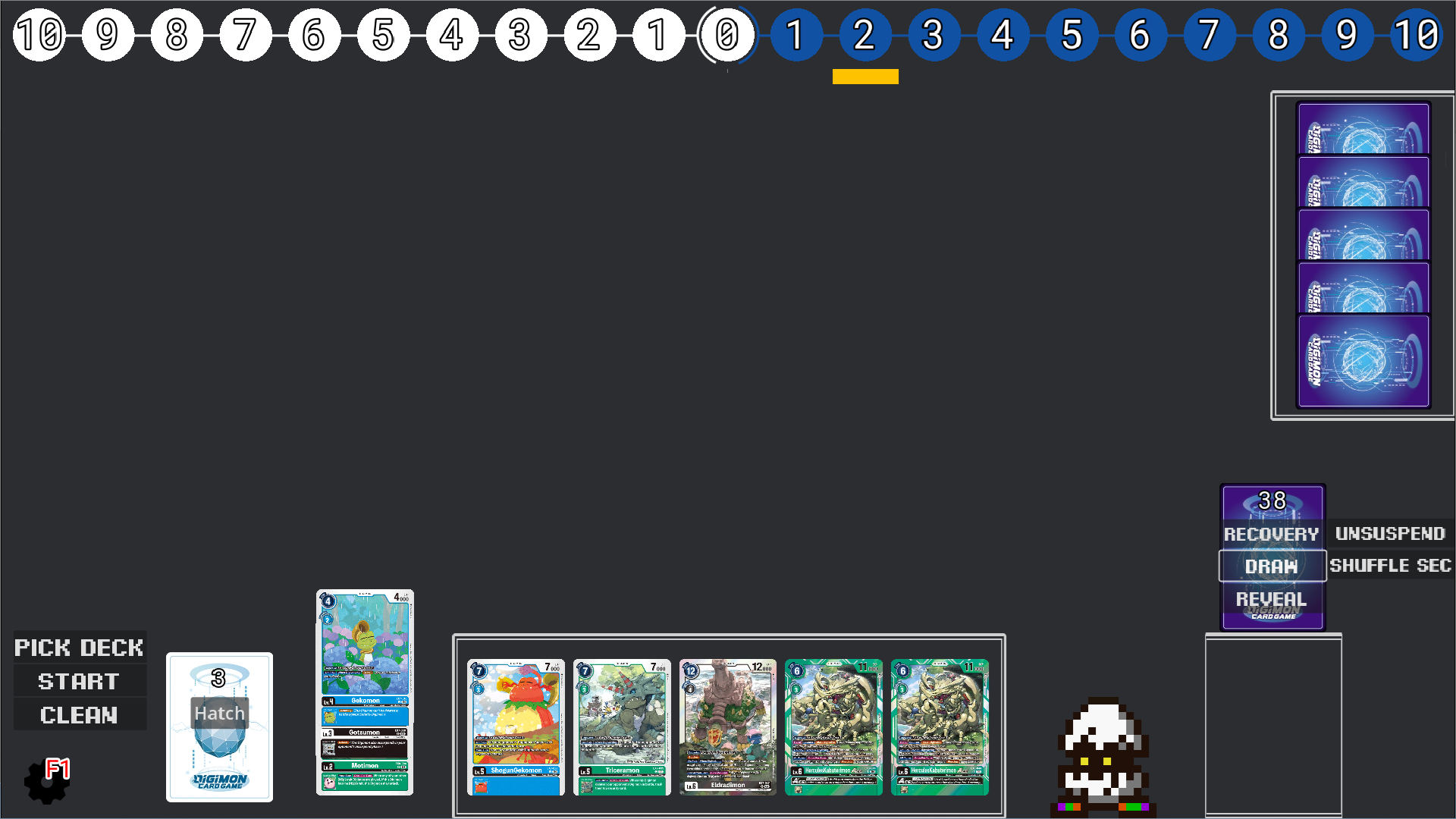
I was getting tired of not being able to test some decks manually, and the online options around do not fit the Digimon TCG.
Also useful for remote play clarity, with the inclusion of a transparency mode for OBS, memory gauge, and counter for effects and keyword tracking.
Instructions
- To import a deck you can use a deck list generated by Digimoncard.io and save it in a .txt file (The file can have any name).
- I do not include images due to copyright reasons, you'll have to get them manually in a .webp format (Digimon TCG Wiki most likely) and rename them with the card unique code (e.g BT16-082.webp)
- Include the images in the same folder as the .txt file.
- Click on "Pick deck" and load the .txt file.
- Click on start to populate your deck and draw 5 cards.
Controls
- F1 for an options menu.
- Escape to close the game.
- Right click over a card for options regarding that specific card.
- Right click anywhere else to place a counter.
- You can drag & drop cards into the field, hand, security and trash.
- Click on the memory gauge to move it, or use the controls inside the settings.
TODOs
- Making the trash more Purple friendly.
- Number of cards in hand, security and trash.
- Non-disruptive notifications on screen when important things happen (e.g shuffling security, drawing a card, hatching)
- Getting a UI designer, could be worse.
All feedback is welcomed.
Download
Leave a comment
Log in with itch.io to leave a comment.